Digital invitations for special moments
Create & send your online invitation in minutes. Easy, real-time RSVP tracking.
Or try a demo invitation




Everything online
The modern way to surprise and invite your friends
Your experience
Invitescu.ro provides you with all the necessary tools to create the perfect invitation for your event yourself. Thanks to modern functionalities, we make the whole process of distributing and receiving answers easier.
Your guests' experience
Your guests will have anytime, anywhere access to the invitation and can respond at any time, as each online invitation contains an RSVP form. So, get ready to impress!

Exactly how you want it
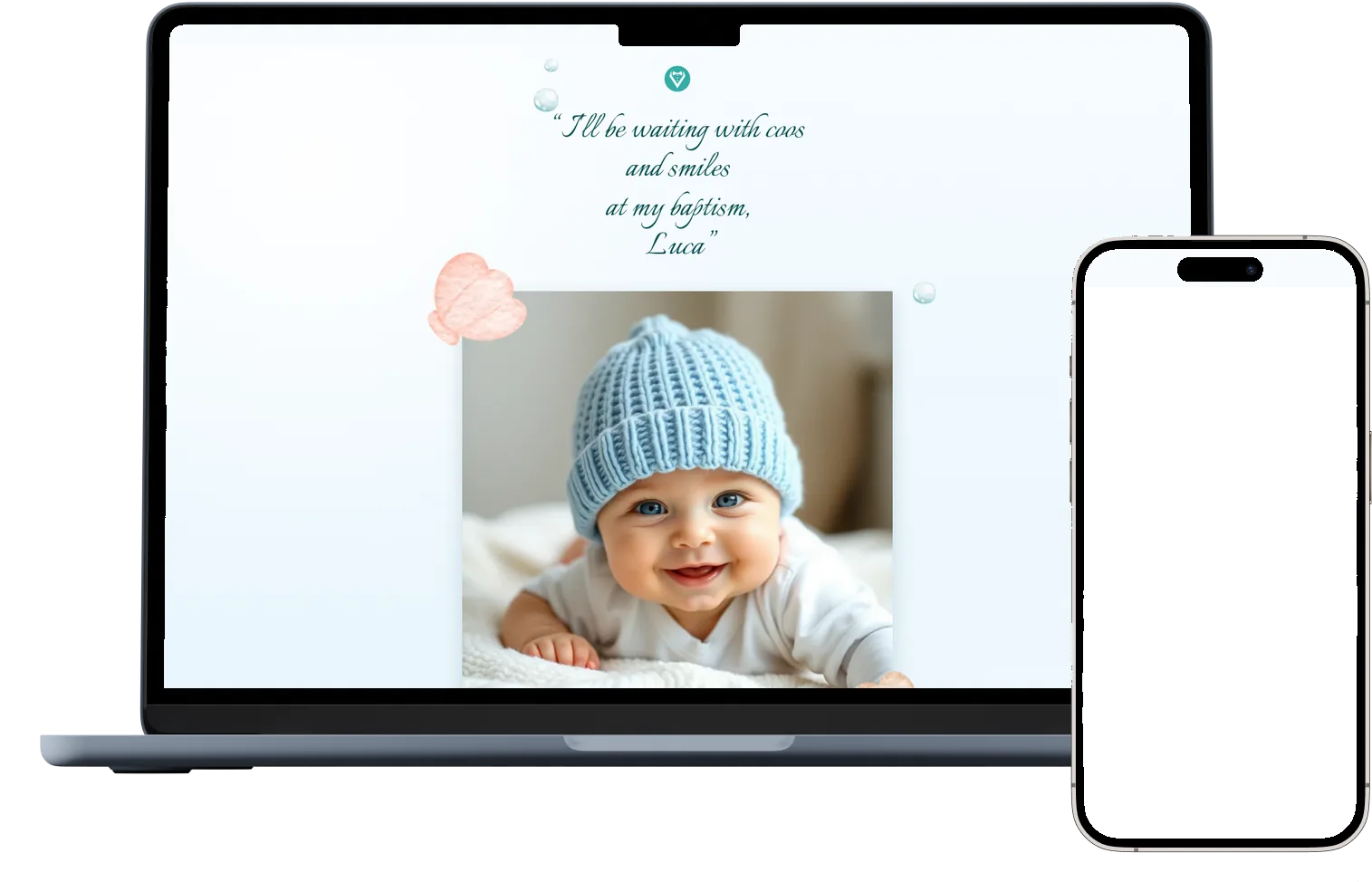
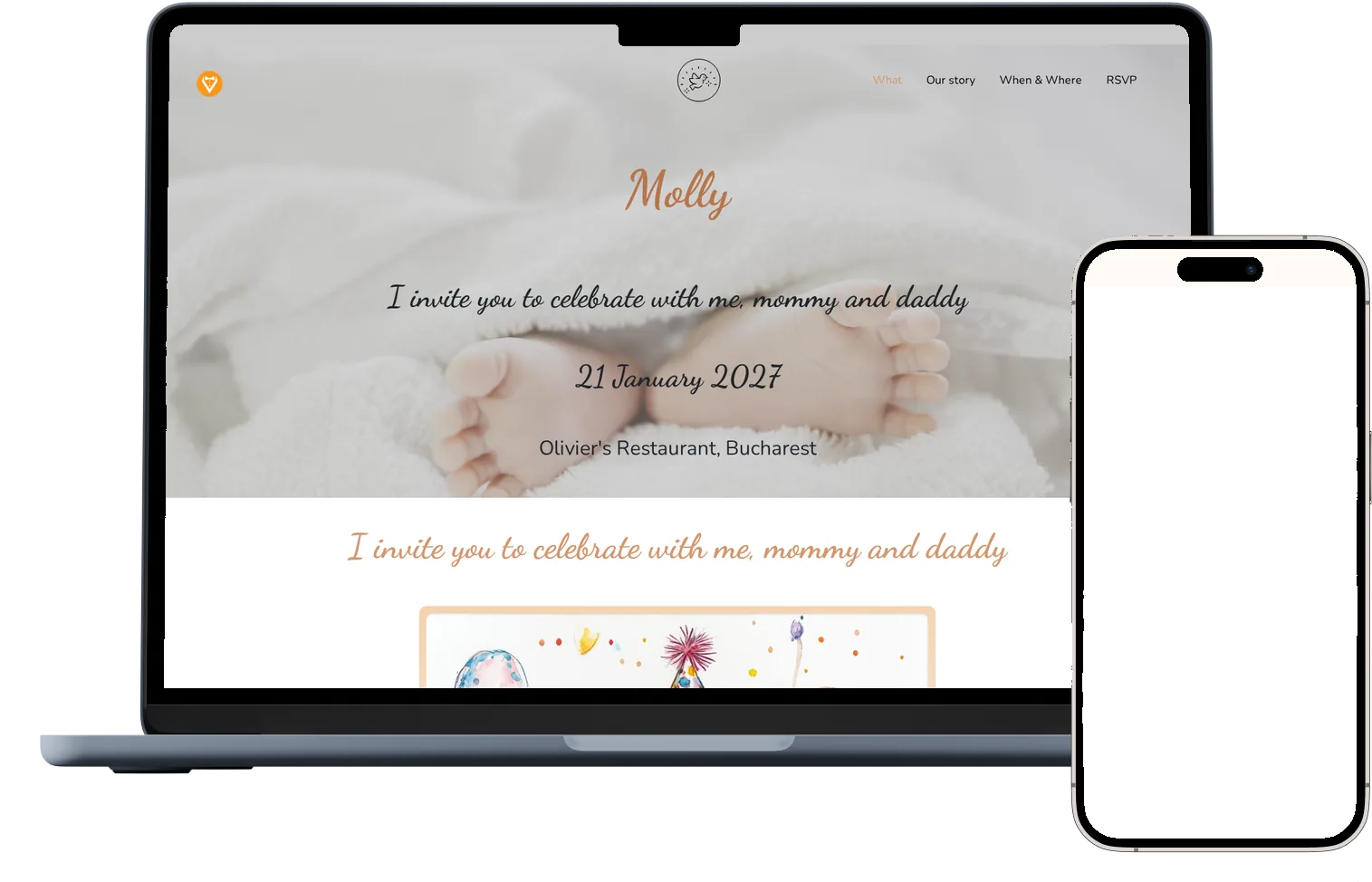
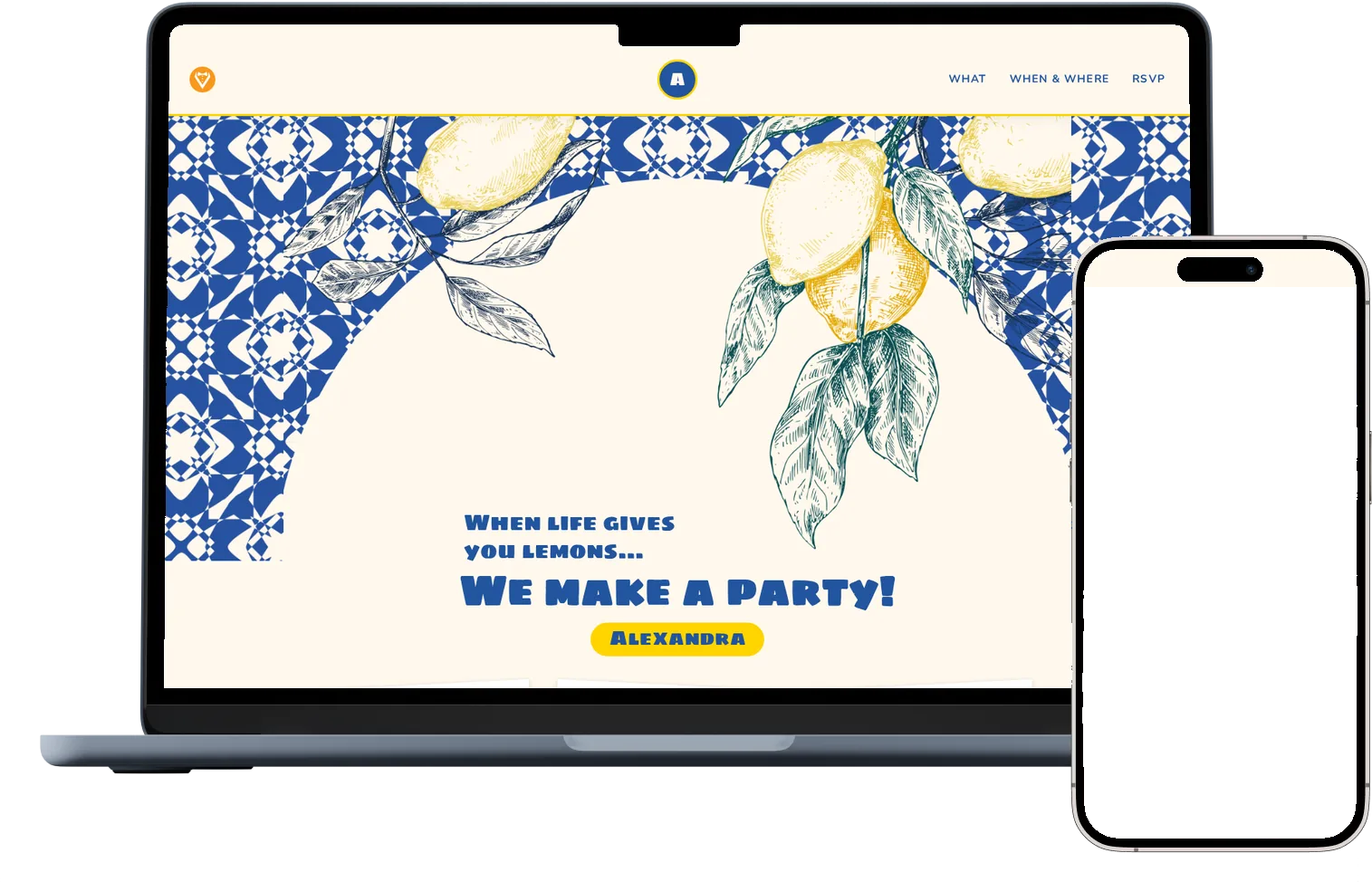
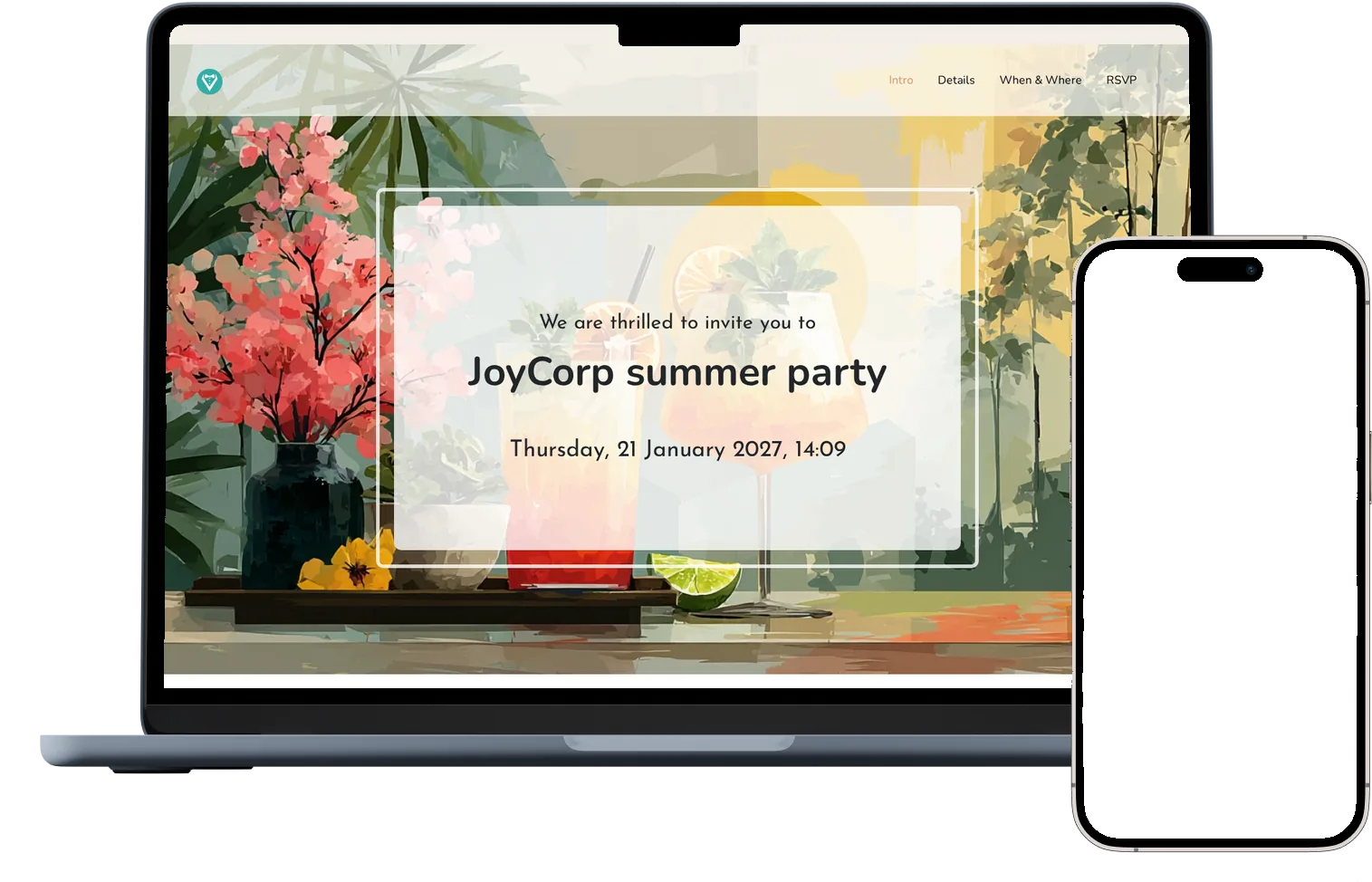
Select a design that you like from our collection, then update font, color, photos, layout, and more to make it your own.

Quick confirmations
See in real time who accepts and who declines, how many people are coming and how many views the invitation has. You get an email for every reply.

Time saving
You can do it from home with a few clicks. Everything online, you create your own invitation starting from a favorite model.

Statistics and export
See views, acceptances and declines in one place, and download your guest list as a CSV file.

Eco friendly
Protect the environment and avoid using paper. We love nature and try to offer a sustainable alternative. We team up with the trees, go online!

Events map
The online invitations contain the map of the locations where the events will be held. Exact directions to the event via Google Maps.
More than an invitation
The Individual invitation also gives you the planning tools: personal links, table seating and a shared photo album.
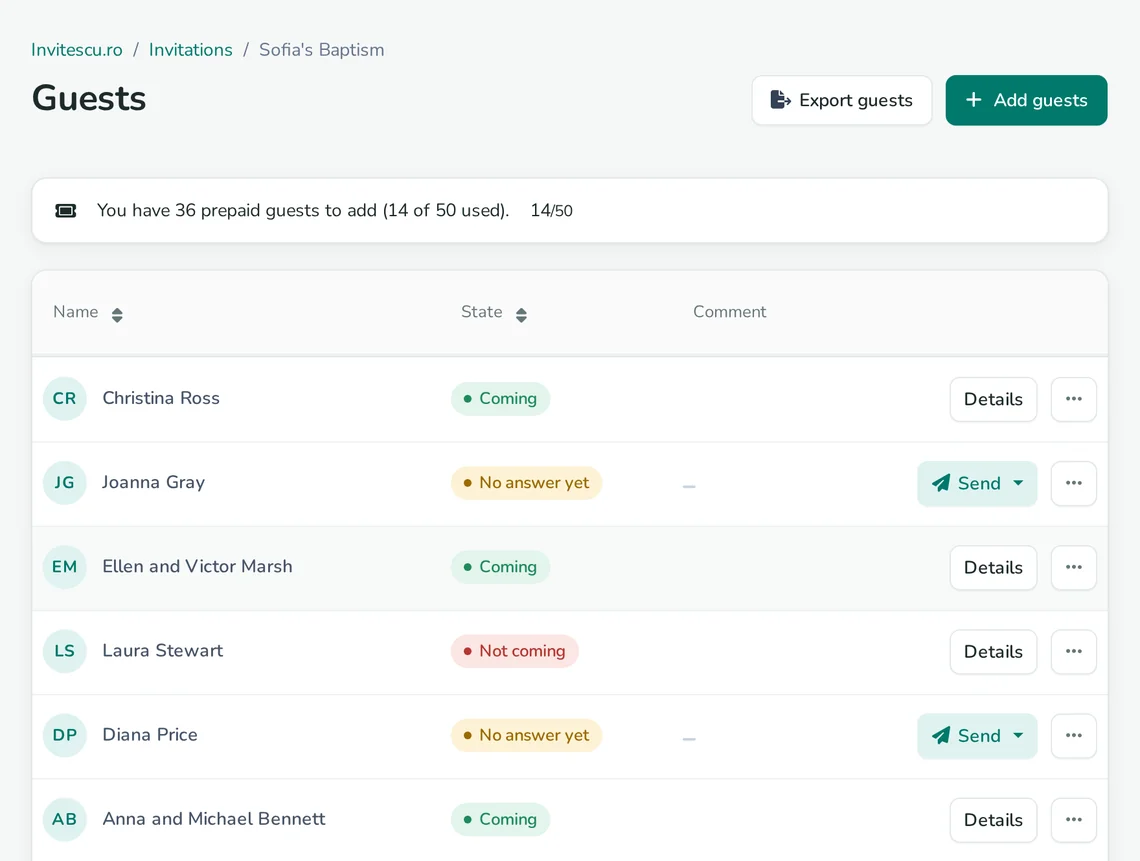
A personal invitation for every guest
Add your guest list and every guest gets their own link. You know exactly who replied and what they said.
- The guest's name appears in the invitation itself
- Each reply is linked to the right guest automatically
- Send each link by WhatsApp, email or Facebook, or copy it
- Add the whole list at once, one name per line

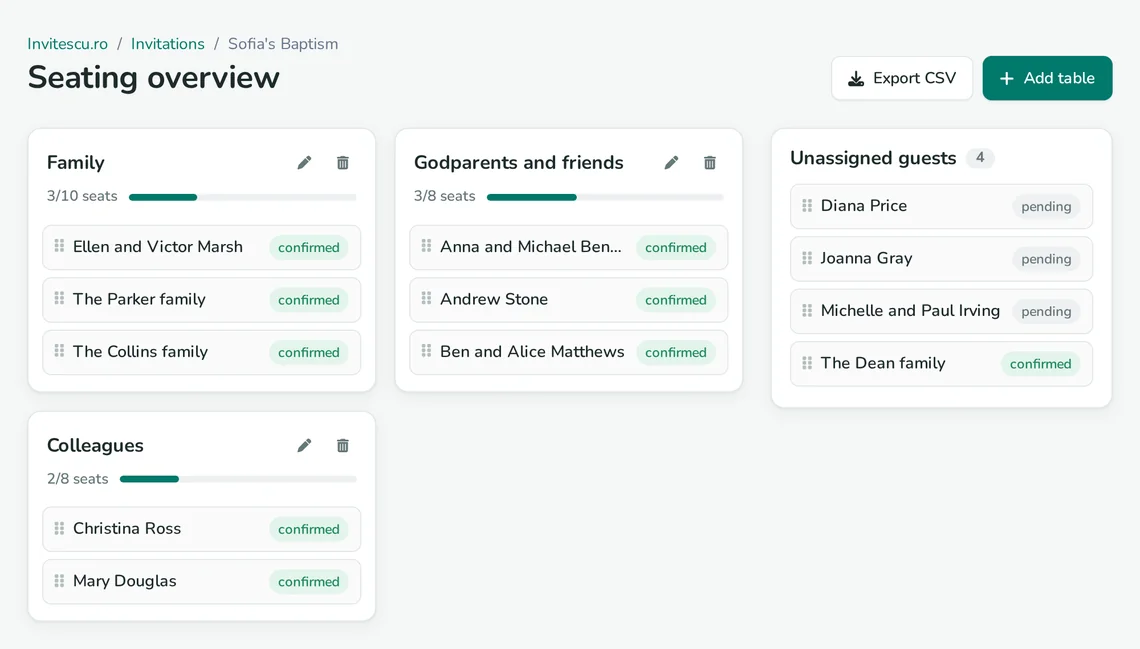
Seat your guests at tables
Create the tables and move guests onto them with a click. Guests who declined drop off the list, so you only see who's coming.
- Tables with as many seats as you need, and their own names
- See at a glance how many seats are taken at each table
- Guests not seated yet stay in a separate list
- Export the seating plan as a CSV file
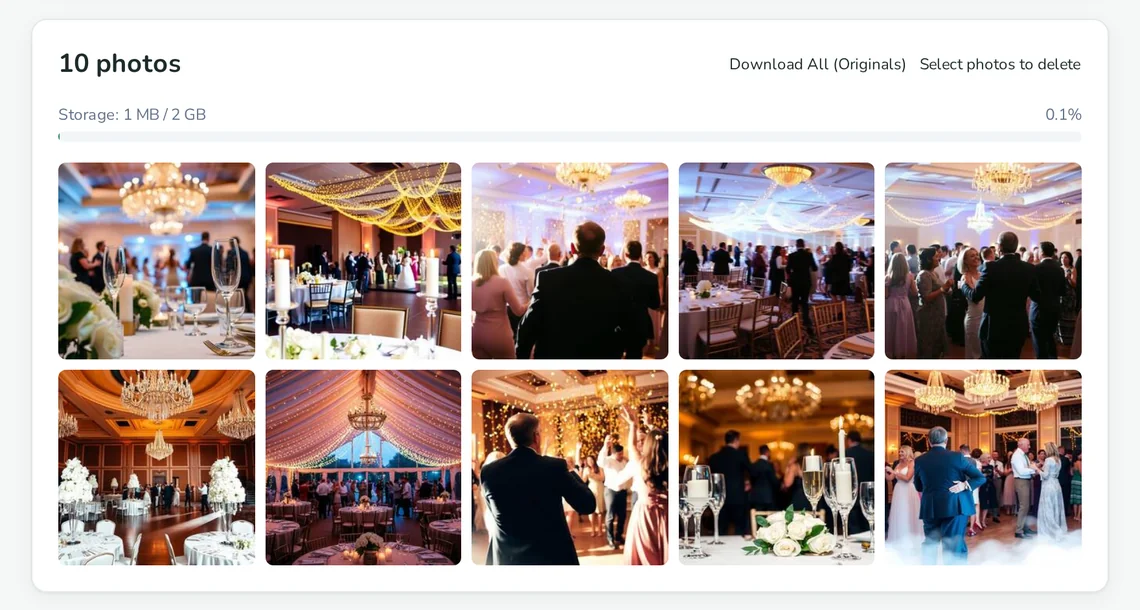
A shared photo album
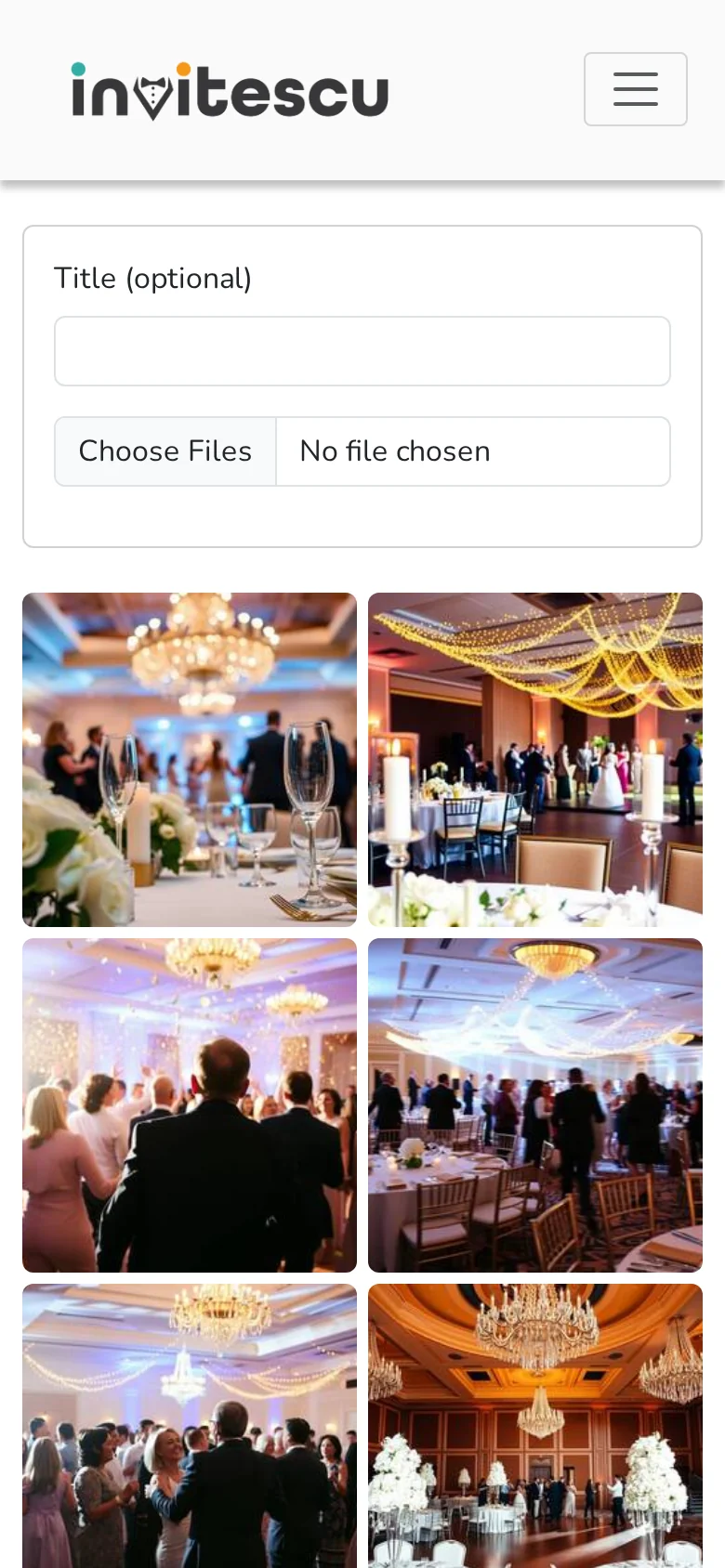
Guests upload their photos from the event straight from their phones, with no account and no app. You get them all in one place.
- Print the QR code, with a password if you like, and put it on the tables
- Choose when guests can upload photos
- Download all the original photos in one ZIP file
- Up to 2 GB of photos, kept for 30 days after the event
Models
Online invitations for all your events
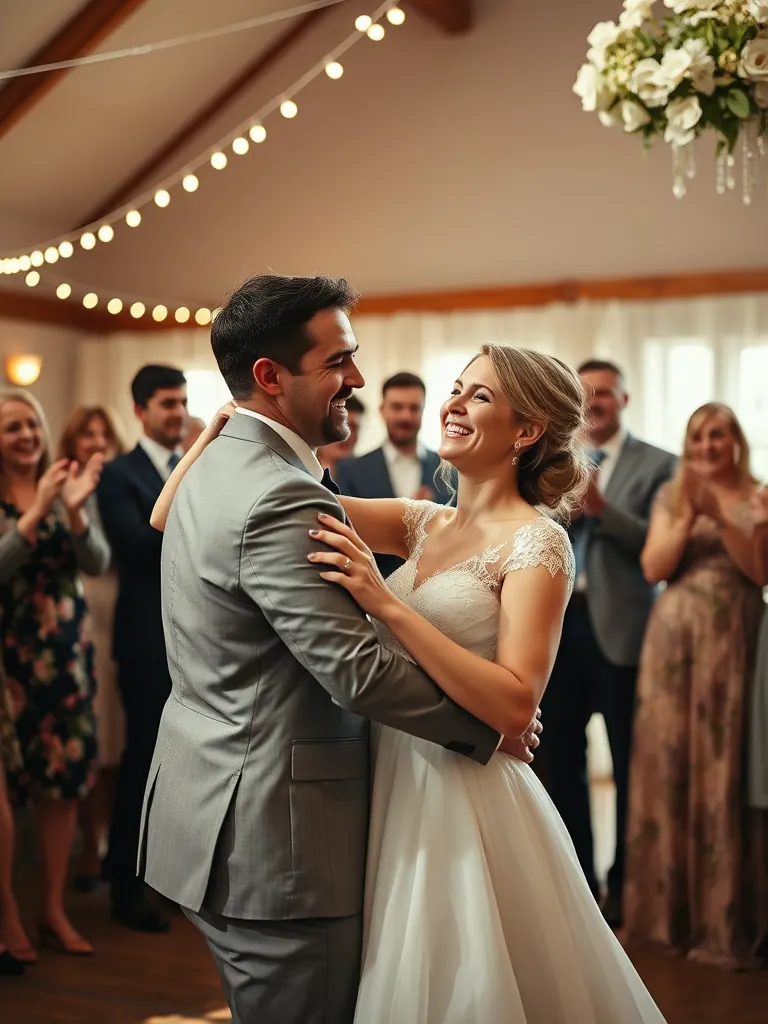
Wedding invitations
Be inspired and fall in love with our timeless wedding invitations.


Wedding and baptism invitations
Celebrate your wedding and baptism with a beautiful invitation.

Birthday invitations
Invite your friends to your birthday party with a beautiful invitation.

How it works
-
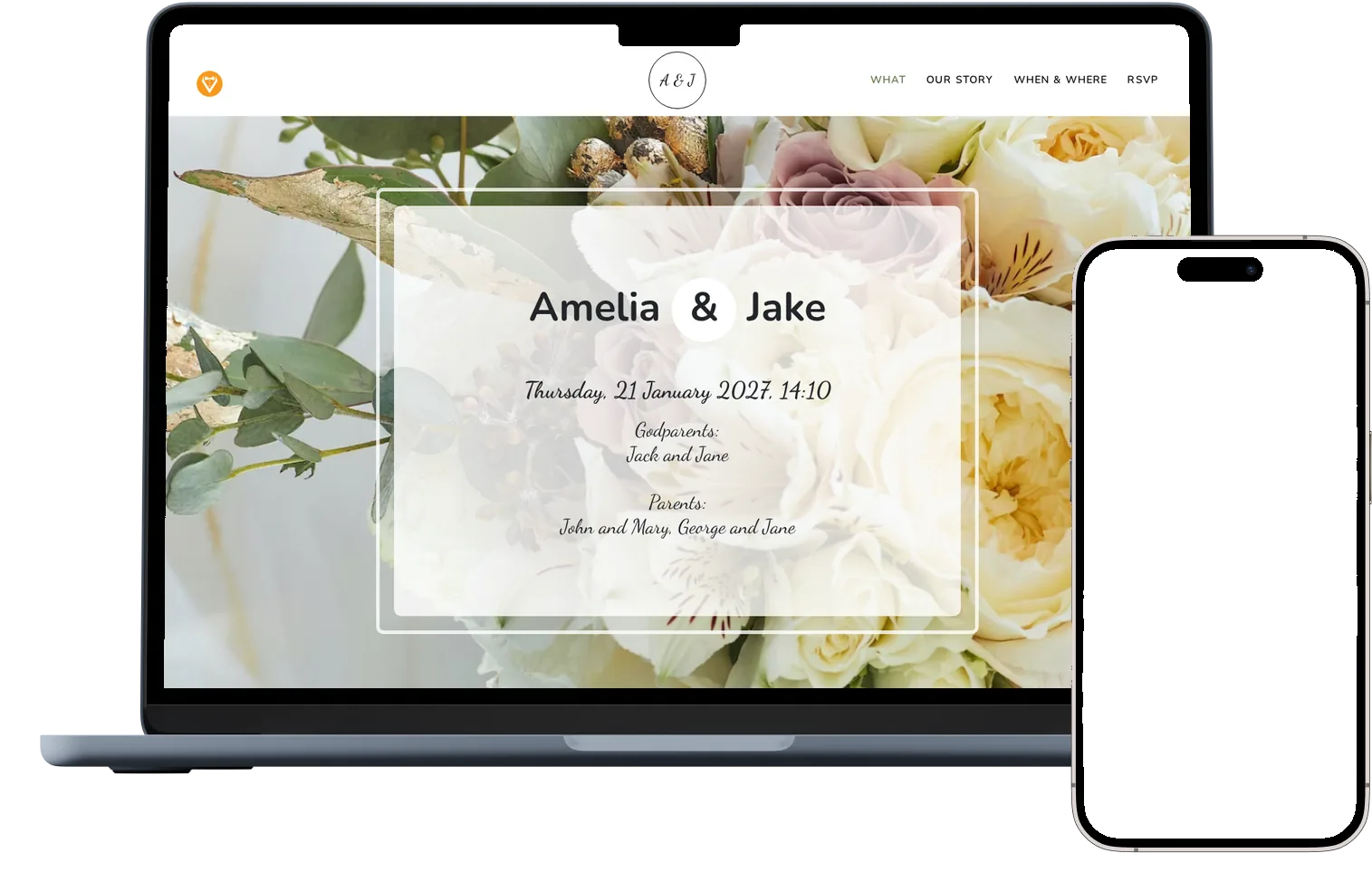
Choose a design
Pick one of 28 designs for weddings, baptisms, birthdays and corporate events.
-
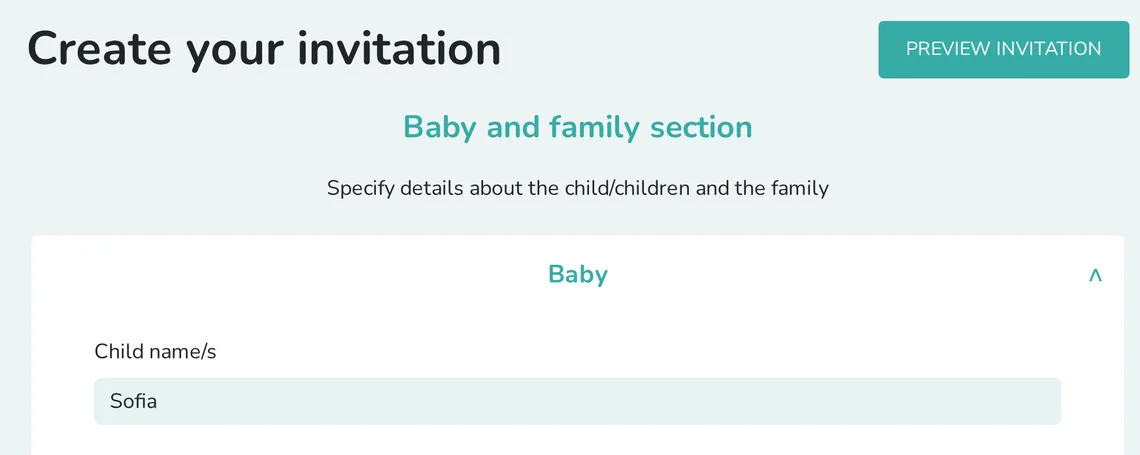
Fill in the details
Add the names, photos, venues and date, then preview the invitation before you send it.
-
Send the invitation
Pay online by card, publish the invitation and send it by WhatsApp, email or Facebook.
-
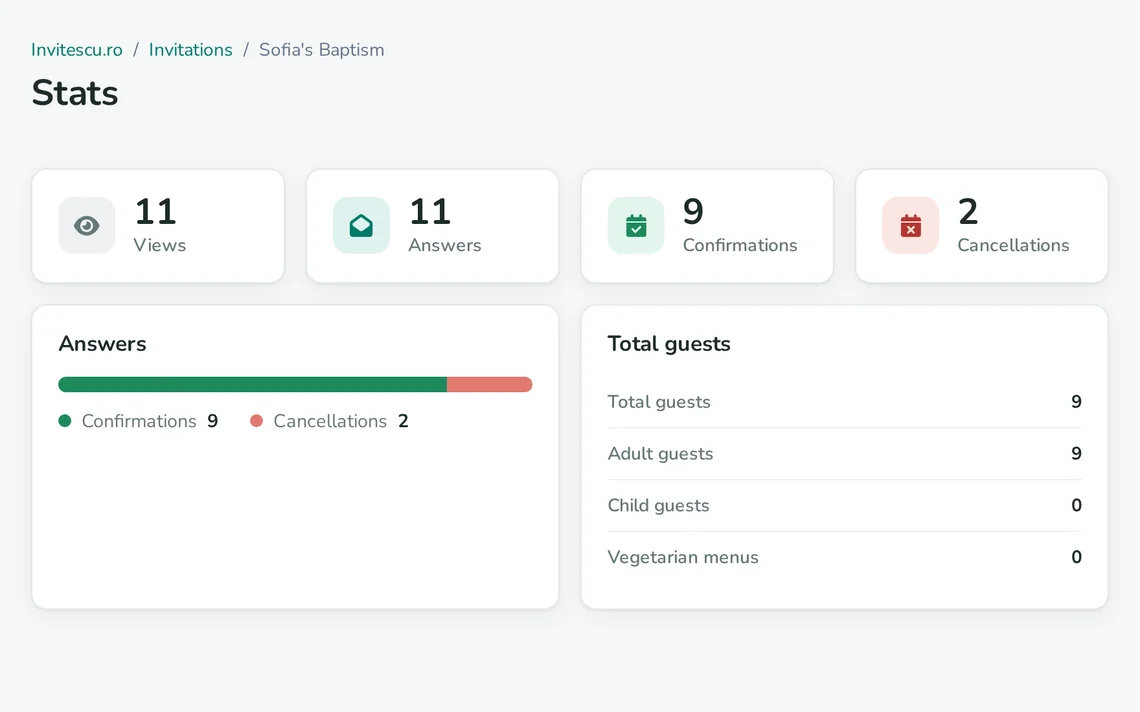
Follow the replies
See the replies in real time and get an email for every confirmation.
Plans and prices
No subscription. Choose the plan that suits your event.
| INDIVIDUAL INVITATION 195 RON 50 guests included · 3.9 RON per extra guest | GENERAL INVITATION 399 RON unique price | |
|---|---|---|
| Guests | 50 included, add more at any time | Unlimited |
| Link | Personal, one per guest, with their name | One link for everyone |
| Online RSVP and an email for every reply | Included | Included |
| Statistics and guest list export | Included | Included |
| Access code for the invitation | Included | Included |
| Table seating | Included | Not included |
| Shared photo album, with a QR code | Included | Corporate events only |
| Option to leave out the RSVP form | Not included | Included |
| Choose a model | Choose a model |
Every design, the map and the countdown are included in both plans. Payment is online, by card.
Frequently asked questions
Can I change the invitation after sending it?
Yes. You can change the texts, photos, venues and settings at any time from your account, and guests see the changes on the same link.
How do guests reply?
Right in the invitation, through the RSVP form, with no account and no app. You get an email for every reply and see all of them in your account.
What's the difference between the Individual and the General invitation?
With the Individual invitation, every guest gets their own link, with their name in the invitation, and you also get table seating and the photo album. The General invitation has one link for any number of guests, at a fixed price; for corporate events it includes the photo album too.
Can I add guests later?
Yes. With the Individual invitation the first 50 guests are included, and each extra guest costs 3.9 RON. With the General invitation the number of guests is unlimited.
How does the photo album work?
Print the QR code from your account and display it at the event. Guests scan it and upload photos from their phones, with no account. You download all the original photos in one ZIP file. The album holds up to 2 GB, and photos are deleted automatically 30 days after the event.
How long does the invitation stay online?
The invitation stays online after the event too. You can close the RSVP form whenever you no longer want replies.
Can I protect the invitation with a password?
Yes. You can set an access code, and the invitation only opens for people who know it.
How do I pay?
Online, by card, through the Netopia payment processor. After paying, you publish the invitation from your account whenever you're ready.